
What remains open
Name each plot thread and decide its priority and status separately. Keep a deferred main quest visible without treating it as immediate preparation.
Close the session. Prepare what follows.
Open threads, changing reputations and factions worth watching. Turn the session you just played into a reviewed wrap-up and a practical preparation list for the next one.

The end-of-night review
Bring the campaign details you already know into one working session.
Name each plot thread and decide its priority and status separately. Keep a deferred main quest visible without treating it as immediate preparation.
Enter reputations and the current standings of relevant factions. Review proposed reputation drift alongside attention and resource posture.
Count consequences due next session and new NPCs to develop. Combine them with thread and faction work into a practical checklist.
The report calculates from entered values. It does not rewrite campaign history, decide what happened or apply its proposals to another product.
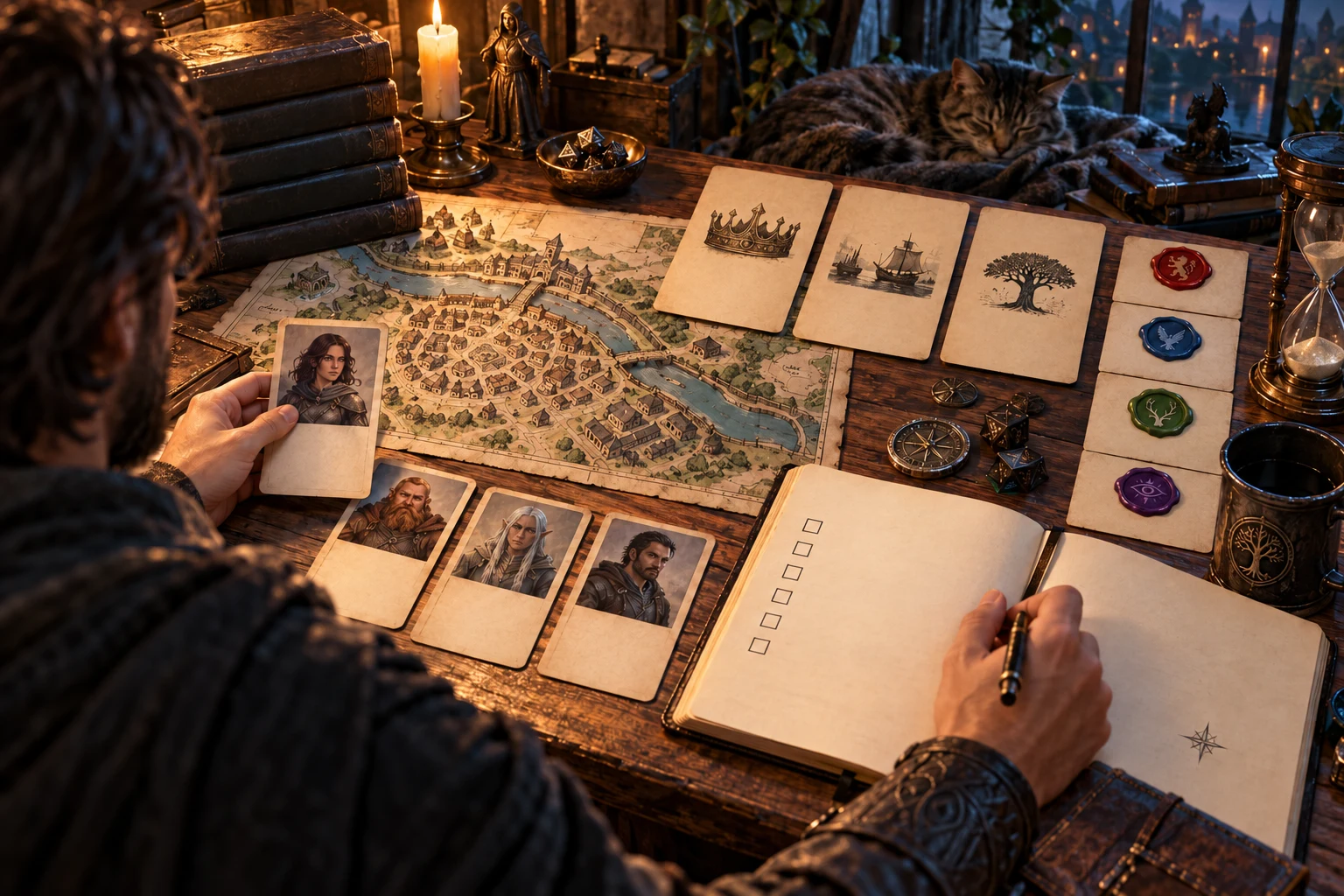
After the table leaves
A game master arranges a map, portrait cards and a planning notebook. This illustration suggests a deliberate preparation review after play.
Set priorities for the story your table actually created. Use estimated preparation to choose where your time will help most.
One working session, a reviewed report
Open Session End Resolution on Windows through Desktop Command Centre.
Set the session number, add threads, reputations and factions, then count upcoming consequences and NPC development.
Set thread status and priority. Select the reputation modifiers that describe this session, then press Resolve session.
Read proposed drift, faction awareness and the preparation list. Carry accepted changes into your own notes; the working inputs remain unchanged.
Copy the report text or save the complete calculated report on this device. Resolve again after editing inputs before keeping another report.
Preparation grounded in your session
Use the results as a starting point for decisions you make at the table.
Mark a main quest as high priority and paused, or keep an open side quest at medium priority. The report distinguishes active work, paused review and closure.
Enter the reputation values that matter to your campaign. Read the current band, proposed drift and resulting value before carrying any change into your notes.
A long gap or isolation accelerates fading; patronage slows it. A major public action or continuing pattern holds the reputation in place for this calculation.
Enter each faction’s standing to see its awareness and resource posture. Use the result to prepare support, restrictions or opposition in your next session.
Combine thread priorities with upcoming consequences, faction activity and NPC development. See individual estimates and a total that includes a preparation buffer.
Resolved threads remain visible as an instruction to archive and note the outcome. Paused threads receive a light review without joining the active preparation load.
Return to the locally saved session workspace, or save a resolution report separately. Open earlier reports from the Saved tab while retaining your current inputs.
Consult the reputation bands, modifiers, faction thresholds, preparation rules and troubleshooting guidance. Keep the numbers connected to your judgement at the table.
Different threads need different attention
Status answers what is happening; priority answers how much preparation it deserves.
High priority adds 30 minutes, medium 15 and low 5. Give the next session’s active story lines the attention they need.
A paused thread adds 2 minutes of review regardless of priority. Keep it available for the party to pick up without preparing it as active work.
A resolved thread adds no preparation time. The checklist still asks you to archive it and note the outcome; that is an instruction for you to carry out.
Read active high, medium and low counts separately from paused and resolved threads. Closure and deferral remain visible in the report.
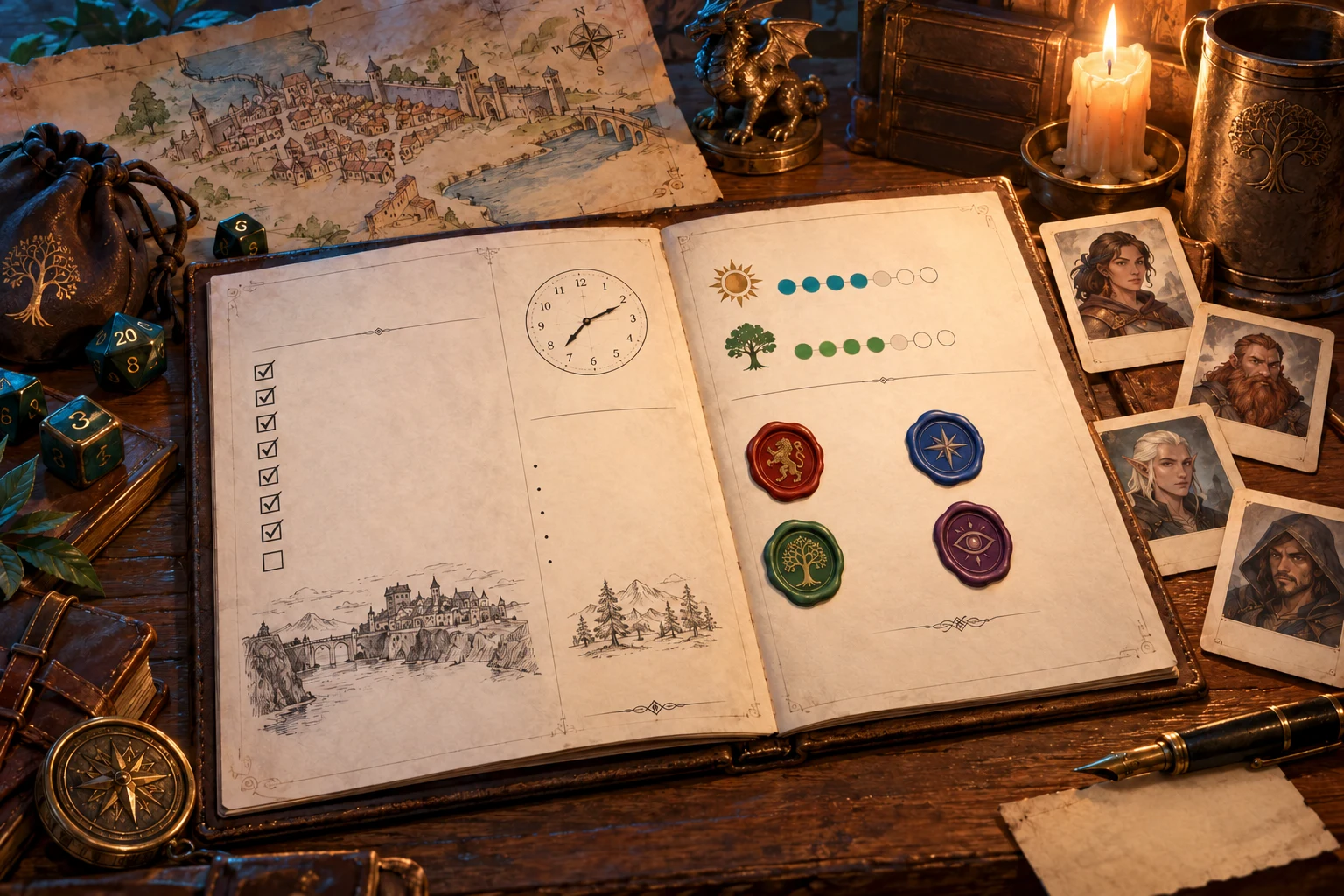
A reviewed session report
A paper folio, marker tracks and seals illustrate an organised session report. The product calculates text and values, not this artwork.
Read the full report in the app, save it locally or copy its text into your own notes. Keep the preparation estimate in context.
Review proposed values
The report leaves its inputs in place so you can compare your choices.
The calculation chooses the drift rate from a rounded reputation band. The proposed new value can retain a fraction; review it before carrying it forward.
Long gaps double fading, isolation triples it and patronage halves it. Selected multipliers combine. Public action or a continuing pattern pauses drift.
Standing is not advanced automatically. Its magnitude sets awareness and preparation, while its sign and value set the resource posture.
Editing a thread, standing or modifier does not refresh an existing report. Press Resolve session again before relying on the revised result.
Estimates for a human game master
The preparation list combines a consistent set of allowances.
Each short-term consequence adds 10 minutes, each long-term one 20 and each new NPC 5. Any passive consequences add one 5-minute review allowance.
A standing magnitude of 3 or more adds 10 minutes of faction work. A magnitude of 1 or 2 adds 5; neutral standing adds no faction preparation.
Every report includes a 15-minute buffer. These are preparation estimates rather than time tracking or a guarantee of how long your session will take.
Checkbox symbols make the report easy to follow, but they do not store task completion. Use your notes or preferred task list to track the work you finish.
Choose access for your toolkit
Create a free account, then review the paid selection that fits your preparation.
Select Session End Resolution individually. A free account does not by itself include paid generator access.
Choose five eligible standalone generators. The selection pack does not include every VISINVOKE product.
Review current pack options and selection terms before changing your subscription. Choose the tools you use to prepare and play.
Desktop installation does not grant access to every product. Review Combat PRO, image products and other tools separately when you need them.

Your current inputs autosave locally on this Windows device after a short delay. Workspace autosave is best-effort; keep important notes outside the app too.
Save creates a separate local report. Open or delete it from the Saved tab. Opening a report does not restore the original workspace inputs.
There is no account Cloud library, automatic device synchronisation or report version history here. Manual save errors are shown so you can review them.
Copy includes reputation changes, faction standing and awareness, and the preparation list. It does not export full inputs, resource-detail text or reference tables.
The Reference tab supplies the full calculation tables and troubleshooting guidance. The working session and saved reports stay separate; carry accepted values into your campaign notes manually.
Continue your tabletop preparation
Each card opens its own public website. Review purpose and access separately; links do not promise included access or automatic synchronisation.

Discover and open your supported Windows products through one connected VISINVOKE account.

Explore environment packs for the workplaces, roads and expedition locations your campaign visits.
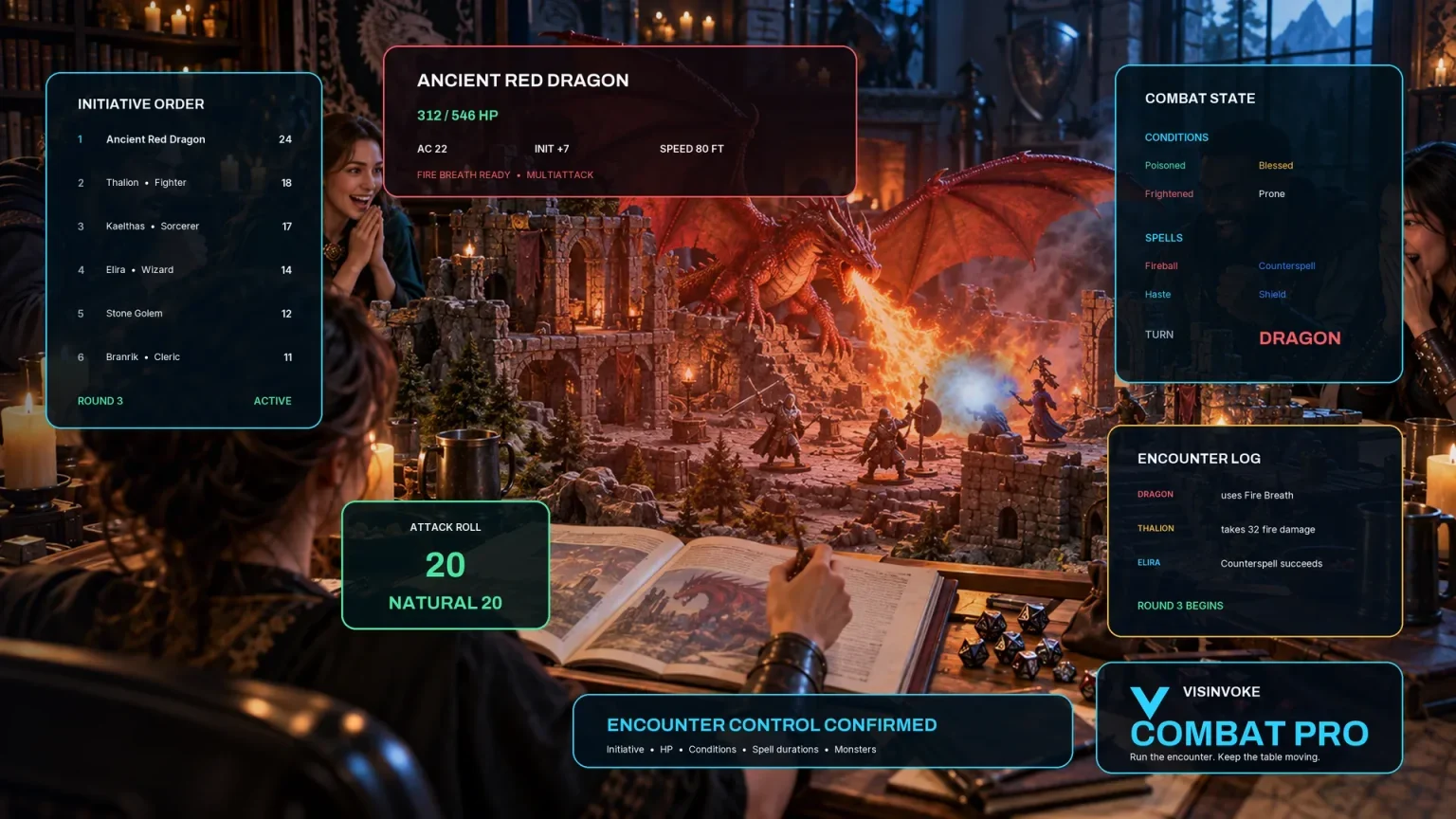
Prepare and run tabletop encounters in a separate product with its own required access. Carry accepted preparation notes across manually.

Create fantasy character, creature, item and location imagery for your tabletop preparation.

Create guided commercial visuals for websites, brochures and other creative projects.

Explore a separate futuristic RPG world with its own characters, rules and progression.
Product artwork illustrates session preparation, not application screens or actual generated image output.
Quick answers
Know what is calculated, what stays on the device and what remains your decision.
It calculates a report from the current inputs and opens the Report tab. It does not apply reputation drift to the working session, change faction standing, advance the session number or update another product. Carry accepted values into your campaign notes yourself. If you change the inputs, resolve again before using or saving the report; the previous report remains until replaced.
Open high, medium and low priority threads contribute 30, 15 and 5 minutes respectively. A paused thread contributes 2 minutes of review regardless of priority. A resolved thread contributes no preparation time and remains on the checklist as an instruction to archive it and note the outcome. These are preparation estimates. The product does not archive files or automatically close a campaign thread elsewhere.
Reputation uses a rounded band to choose the drift rate, while the proposed new value can retain a fraction. Long gaps double fading, isolation triples it and patronage halves it; selected multipliers combine. A major public action or continuing pattern pauses drift. Faction standing is entered from -5 to +5 and remains unchanged: its magnitude sets awareness and preparation, while its sign and value set the resource posture. Review the Reference tab for the full tables.
The total adds the thread estimates, 10 minutes per short-term consequence, 20 per long-term consequence, 5 minutes for reviewing passive consequences when any are present, faction preparation, 5 minutes per new NPC and a 15-minute buffer. Passive review is a single allowance, not a charge for each passive consequence. An active faction contributes 10 minutes and a moderately engaged faction 5. The report’s checkbox symbols are a visual checklist, not saved task completion controls or a time tracker.
The working session autosaves locally on this Windows device after a short delay. Save on the Report tab keeps a separate resolution report, which you can open or delete under Saved. Opening a report does not restore its original workspace inputs. There is no account Cloud library, automatic synchronisation between devices or report version history here. Workspace autosave is best-effort; manual save errors are shown. Copy important report text into your own notes as a backup.
Copy produces plain text containing the session number, reputation changes, faction standing and awareness, and the preparation list with its estimates. It does not export the full working session, resource-detail text or reference tables. Saved reports retain the complete calculated report on this device. This product has no JSON download, import, print or Combat PRO handoff action. Use accepted notes manually in your other preparation tools; related links do not imply automatic transfers.
Continue in VISINVOKE
Create a free VISINVOKE account and choose the required standalone generator access.
Get Desktop Command Centre from your account installer page. Sign in on Windows, then open Session End Resolution.